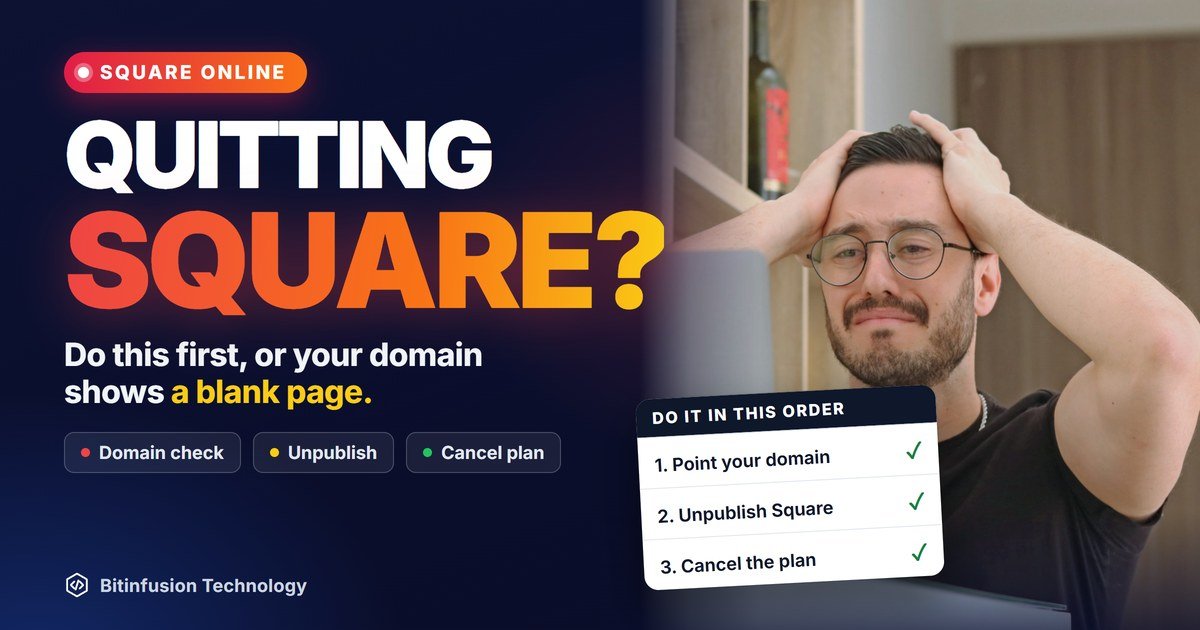
Updated 27 November 2026. Short answer: before you unpublish a Square Online site or cancel the plan, find out where your domain is registered and how it points to Square. If you unpublish first, your own web address can end up showing a blank page. The safe order is: check the domain, get the new site ready, point the domain at it, then unpublish Square, then cancel the paid plan. If Square holds the domain itself, keep paying for the domain (or transfer it out) even after the website plan is gone.
We wrote this after a furniture shop we're building a website for asked us how to cancel their old Square site in November 2026. When we checked, their domain, registered at GoDaddy, didn't point at Square directly. It loaded the Square site inside a frame. Unpublishing Square that day would have left their own address showing a blank page while customers were still typing it in.
1. Find out where your domain lives
There are two common setups, and they need different steps:
- You bought the domain through Square. Square is your registrar. In Square Dashboard, go to Settings > Account & Settings > Pricing & subscriptions and select Domains. Square lists domain subscriptions there, separately from the website plan (Square: Manage Square subscriptions).
- You bought it somewhere else, such as GoDaddy or Namecheap, and connected it to Square. The domain is billed and managed at that company, not at Square.
If you're not sure, look the domain up on ICANN Lookup. The "Registrar" line tells you which company holds it.
2. Check how the domain reaches Square
A domain from another company usually reaches a Square site in one of two ways:
- DNS records. Square's setup screen gives you records (Type, Name and "Points to" values) to add at your domain host (Square: Connect a custom domain).
- Forwarding. The registrar sends visitors to your square.site address. GoDaddy offers "forward with masking", which keeps your domain in the address bar and shows the other site inside a frame (GoDaddy: Forwarding types). That's the setup we found on the furniture shop's domain.
Either way, once the Square site is unpublished, your domain has nothing to show. That's why the next step comes first.
3. Get the replacement ready before you unpublish
Have the new site finished and working on its temporary address before you touch Square. If you're still deciding what comes next, even a one-page site with your hours, location, photos and a way to contact you is better than a dead address. Many shops that sell through Facebook Marketplace or Instagram only need that: a page that shows who you are and sends people to the place where you post your stock.
4. Point the domain at the new site
At the company that holds the domain, replace Square's records with the ones your new host gives you, or remove the forwarding. Square says DNS changes can take 24 to 48 hours to spread (Square: Connect a custom domain), so keep the Square site published until your domain shows the new site on your phone and on a computer.
If Square is your registrar, you have two choices:
- Keep the domain at Square and point it elsewhere. Square says you can update the domain's nameservers to give a new host full DNS control, and that this can be less hassle than a transfer (Square: Transfer your domain out of Square).
- Transfer the domain to another registrar. In Square Dashboard, go to Channels > Domains, choose Manage > Manage domain and turn off Enable registrar lock. That unlocks the domain and shows the authorization (EPP) code your new registrar will ask for. Square says most transfers take 7 to 10 days, and turning the lock off also turns off WHOIS privacy, so set privacy up again at the new registrar. Don't change the owner's name, address, email or phone during this time: that triggers a 60-day lock during which the domain can't be transferred (same source).
What you shouldn't do is simply cancel a Square domain subscription. A domain that isn't renewed expires, and once it does, someone else can register it.
5. Unpublish the Square site
Once the domain shows your new site, take the old one down. Square's steps (Square: Preview, publish, and unpublish your website):
- Sign in to Square Dashboard and go to Channels > Square Online.
- Click Website settings > Site preferences.
- Click Unpublish.
Square says you can republish at any time, so this step can be undone if something goes wrong.
6. Cancel or downgrade the paid plan
Square lists custom domains as a feature of its paid plans (Plus and Premium) (Square: Connect a custom domain). Once the site is off your domain and unpublished, you no longer need to pay for it. To change the plan:
- Go to Settings > Account & Settings > Pricing & subscriptions.
- Find the subscription and click Manage to pick a lower tier, or Unsubscribe to cancel it.
Square says a downgrade takes effect at the start of your next billing cycle, and you keep the current plan's features until then (Square: Manage Square subscriptions). Look at the Domains list on the same page before you leave, so you don't cancel the domain by accident.
One catch: Square now also sells bundled plans (Square Free, Plus and Premium) that cover your whole business, not just the website (same source). If that's the plan you're on, check what else it includes before you downgrade, because the change won't only affect the website.
Does this close my Square account?
No. Unpublishing takes the website off the internet. It doesn't close your Square account, so card payments in your shop carry on as before. Check any other paid Square subscriptions on the Pricing & subscriptions page before you cancel anything else.
The checklist
- Look up who holds your domain (Square or another registrar).
- Check whether it uses DNS records or forwarding to reach Square.
- Finish the new site on a temporary address.
- Point the domain at the new site, or move it to a new registrar.
- Wait until your domain shows the new site on phone and desktop.
- Unpublish the Square site.
- Downgrade or cancel the Square Online plan, but keep (or transfer) the domain.
Want someone to handle the switch?
This is a job we do for small businesses in the US and UK: a new site on your own domain, set up so nothing goes dark during the move. See small business website design for what's included (from $499, with a free home-page mock-up first), or read what a small business website costs in 2027 if you're comparing options.
Sources
- Square: Preview, publish, and unpublish your website
- Square: Manage Square subscriptions
- Square: Connect a custom domain to your Square Online site
- Square: Transfer your domain out of Square
- GoDaddy: What forwarding types are available?
- ICANN Lookup
Cover photo: Francis Ledger on Unsplash.