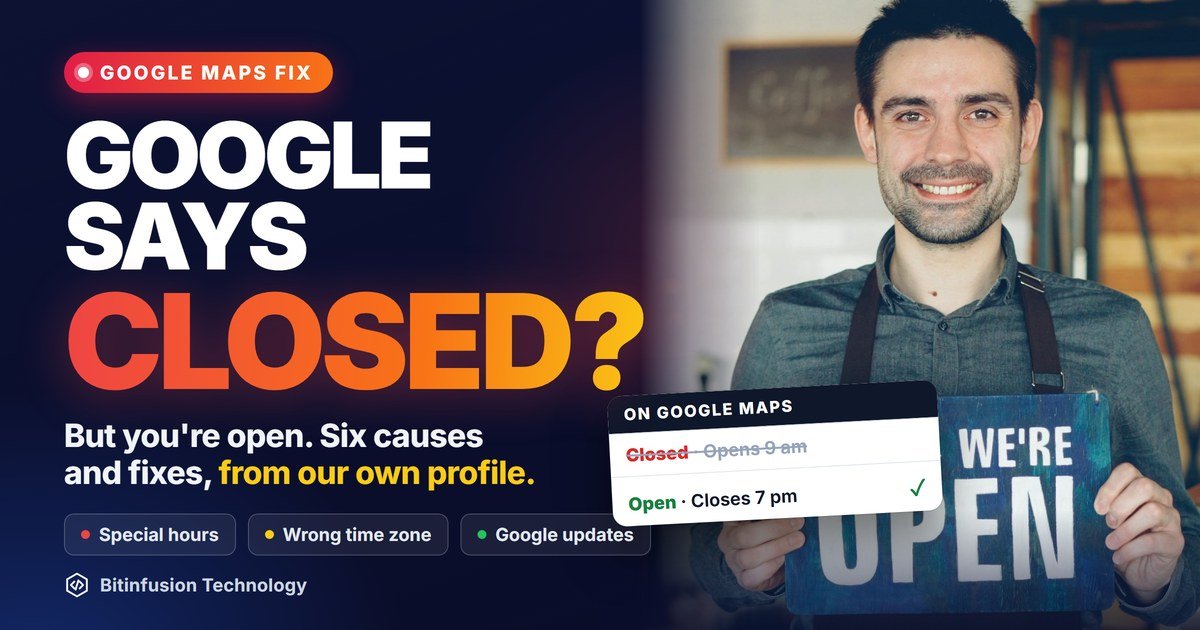
Updated 20 November 2026. Short answer: if Google Search or Maps shows your business as "Closed" while you are open, check six things in this order: a "temporarily closed" status, your special hours, your regular hours, changes made by Google or the public, edits that are still pending, and the time zone Google is using for your profile. The last one is the easiest to miss. It happened to our own Business Profile in November 2026, and below we show how we found it and fixed it.
1. Is your profile marked "temporarily closed"?
A profile marked temporarily closed stays on Google Search and Maps, but it tells everyone you are not open. Google's help suggests special hours for short breaks such as holidays, and the temporarily closed status for longer closures or when you don't know your reopening date (Google: Mark your business as closed).
To undo it, open Edit profile > Hours and choose to open with your main hours. Google says the profile is then no longer marked closed on Maps and Search (Google: Mark your business as reopened).
2. Are special hours overriding a normal day?
Special hours replace your regular hours on a given date. If someone added a holiday as "Closed" and picked the wrong date, Google will show you as closed that day. Check Edit profile > Hours > Special hours and delete anything that is wrong.
Two rules from Google's help are worth knowing: special hours only show when your hours are set to "Open with main hours", and one set of special hours can't run longer than 24 hours, so an overnight shift has to be split across two days (Google: How to set special hours).
3. Are your regular hours entered correctly?
Open Edit profile > Hours and read every day, not just today. Common slips are a day left on "Closed", AM and PM swapped, or a split shift (for example a lunch break) entered as one short block. Google's help shows where each setting lives (Google: Edit your business hours).
4. Did Google or a member of the public change your profile?
Anyone on Google Maps can suggest that a place is closed or has different hours (Google Maps Help: Mark a place reopened or closed). Google can also suggest updates to your profile. When it does, you get an email or a notice and have 4 days to accept or reject the change. If you don't answer, Google may publish it when other public information supports it, such as your own website (Google: Understand Google updates on your Business Profile).
So look for a "Google updates" notice in your Business Profile, and make sure the hours on your website match the hours on your profile. If they disagree, Google may believe the website.
5. Did you change something recently?
New edits show as pending while Google reviews them. Google says this usually takes about 10 minutes but can take up to 30 days (Google: Understand what happens to your Business Profile edits). Until an edit is approved, Search and Maps keep showing the old details.
6. Is Google using the wrong time zone? (This happened to us)
If your status is wrong at the start and at the end of your day by the same number of hours, the problem is probably the time zone, not the hours. Here is what we saw on the Bitinfusion Technology profile:
- The profile had no address, only service areas: India, England (UK), the United States and New York.
- Our office hours are Monday to Friday, 9 AM to 7 PM in Pune (IST, UTC+5:30). During exactly those hours, Google showed us as "Closed".
- In the profile editor, the map pin was at 40.27° N, 47.80° W, in the middle of the Atlantic Ocean.
- Google appeared to calculate our hours in that spot's time zone, about UTC−3. That turned "9 AM to 7 PM" into open from 5:30 PM to 3:30 AM Indian time, the reverse of our working day.
The fix was to add our office address to the profile, keeping the service areas. Google approved the address the same day, 12 November 2026. On 13 November at 2:10 PM IST, Google Maps showed "Open · Closes 7 pm" for the first time.
Google's help doesn't explain how it sets a profile's time zone, so treat this as one real case rather than a rule. If your profile has no address and covers several countries, check where the pin is under Edit profile > Location. Google's guidelines say to hide your address only if you don't serve customers there (Google: Manage your business address), and a service-area business can list up to 20 service areas (Google: Manage your service areas).
How do you check what customers see?
Search for your business name on Google Maps on a phone, at a time when you are open, signed out or in a private window. Do it again near closing time. If "Open" or "Closed" is wrong at both times, go back to cause 6. If it is wrong only on certain dates, go back to cause 2.
What if everything looks right and it still says closed?
Give a fresh edit a day, then contact Google Business Profile support from your profile. If you would rather hand it over, we fix Google Business Profiles for small businesses in the US, UK and Europe. Send us your profile link and we will tell you what is wrong, free.
Sources
- Google Business Profile Help: Mark your business as closed
- Google Business Profile Help: Mark your business as reopened
- Google Business Profile Help: How to set special hours
- Google Business Profile Help: Edit your business hours
- Google Maps Help: Mark a place reopened or closed
- Google Business Profile Help: Understand Google updates on your Business Profile
- Google Business Profile Help: Understand what happens to your Business Profile edits
- Google Business Profile Help: Manage your business address
- Google Business Profile Help: Manage your service areas